01
Create once.
Give your deadline a name, choose a date and time, and set its original time zone. Insert it into your document as a deadline chip.
One place to set the details.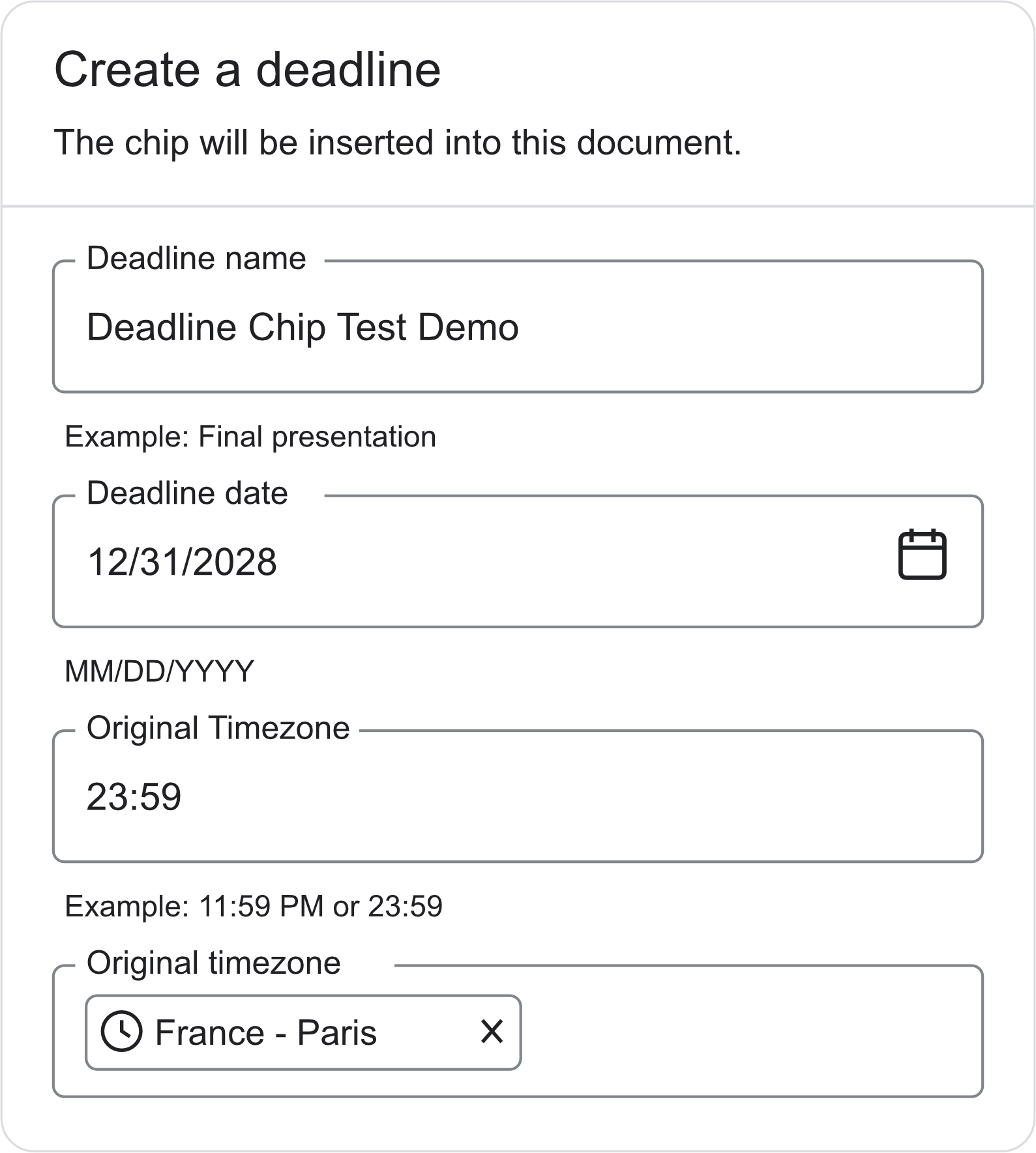

Built for Google Docs™
Create a deadline in your doc. Everyone sees it in their own time zone, with the original time and time remaining in view.
Get Deadline ChipAvailable on Google Workspace Marketplace
Please upload your project before the deadline.
Dec 31, 2028, 11:59 PM GMT+1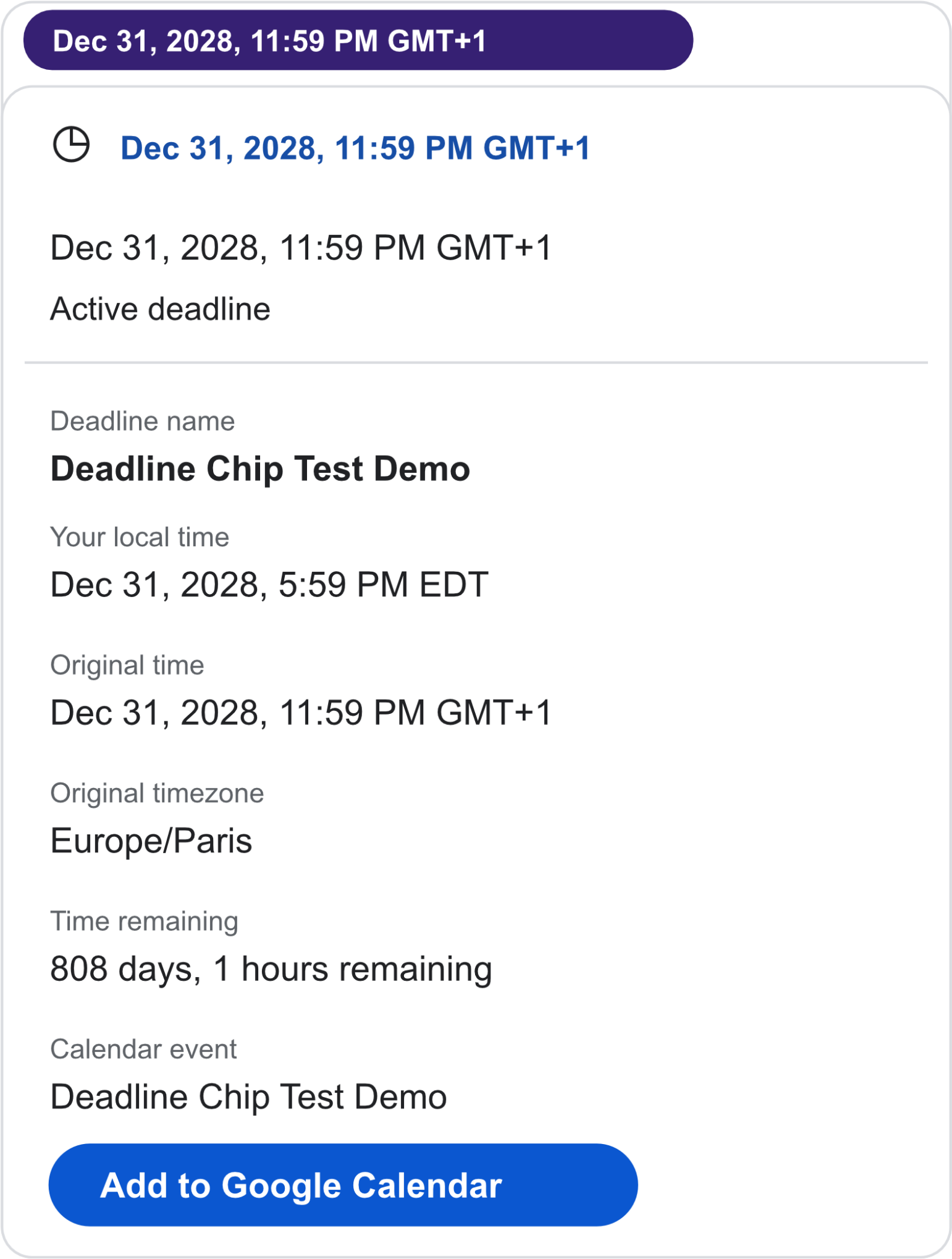
Hover over the chip.
See your local time.
Your time or mine?
From time-zone confusion to one clear deadline. In 40 seconds.
Inside Google Docs
Give your deadline a name, choose a date and time, and set its original time zone. Insert it into your document as a deadline chip.
One place to set the details.Hover over the chip to see the deadline in your local time, alongside the original time zone and time remaining.
One deadline across time zones.Add the deadline to Google Calendar so it’s on your schedule, too.
Keep the next step close.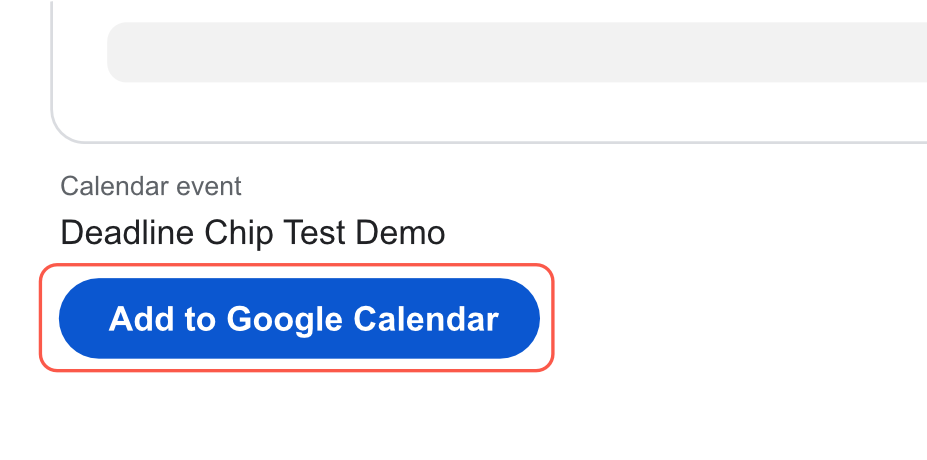
A few useful answers
Yes. Deadline Chip represents one moment in time. The displayed date and time change to match each viewer’s local time zone, while the original deadline remains visible.
Deadline Chip is a Google Docs™ add-on. Install it through Google Workspace Marketplace to create and preview deadlines inside your documents.
The creator can edit the deadline. Other viewers can see its details in their local time.
Anyone sharing deadlines across time zones: project teams, students, online classes, international collaborators, and event organizers.
Visit Deadline Chip Support for help.
Local time, every time.
Start with one deadline in Google Docs.
Get Deadline Chip